How to Connect HubSpot
Seamlessly sync your Dynalead prospects directly into your HubSpot CRM in just three simple steps.
Initialize the Connection
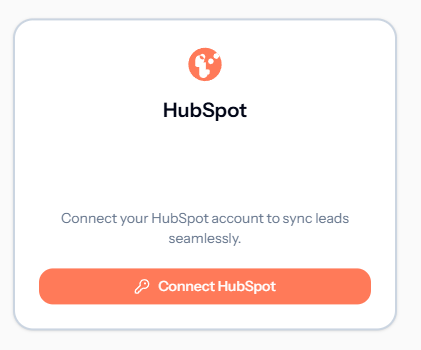
Navigate to your Dynalead Dashboard and click on the HubSpot integration tab. Click the Connect HubSpot button to securely initiate the authorization process.
- Secure OAuth 2.0 connection
- No API keys required
Authorize Dynalead
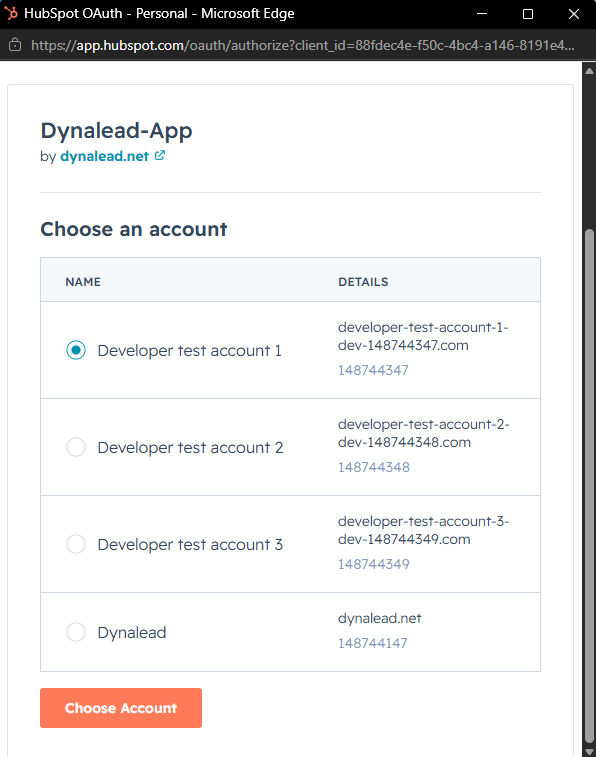
You will be redirected to HubSpot. Select the HubSpot account you wish to connect to Dynalead and click Choose Account. Review the requested permissions and approve the connection.
Map Your Fields
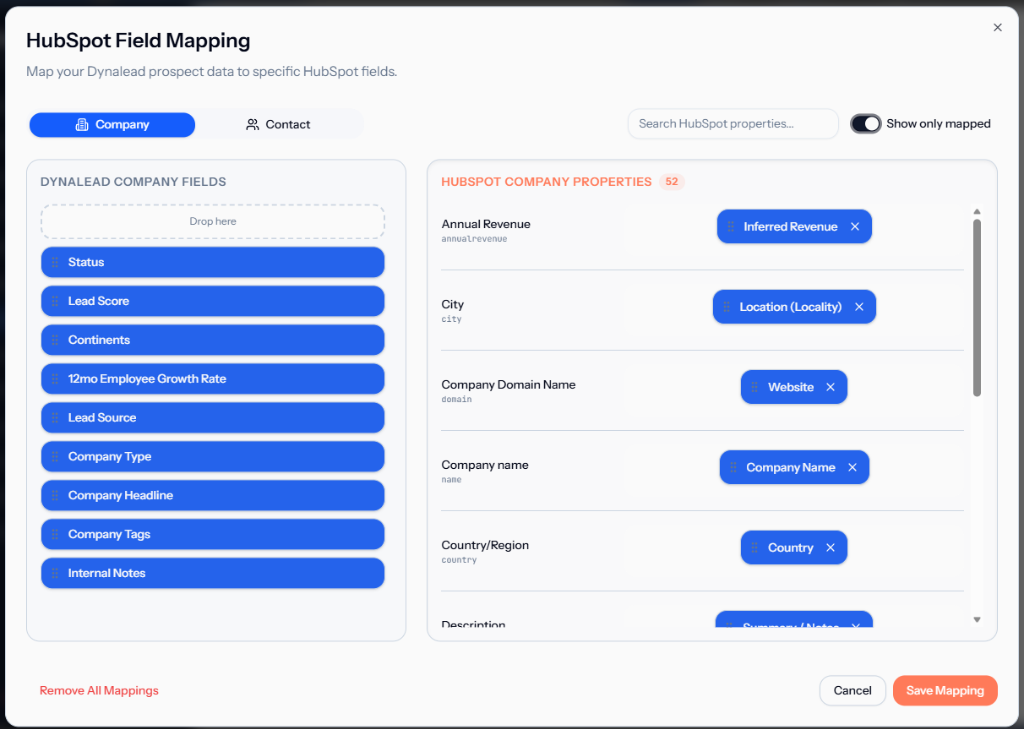
Once connected, you can customize exactly where your Dynalead data goes. Drag and drop Dynalead fields into your HubSpot Company and Contact properties.
Pro Tip: We automatically set up the best default mappings for you, but you can always customize them to fit your unique CRM architecture.
Start Syncing
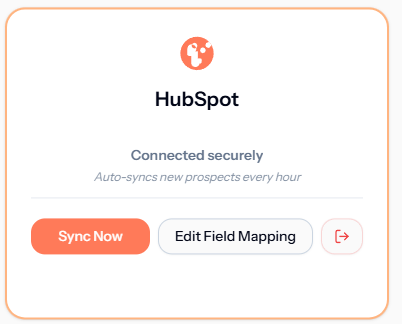
You are all set! You can manually push your prospects by clicking Sync Now, or rely on our continuous background sync to automatically push new leads.